How to Log In to GMX
Sign in to GMX on any device, tell gmx.com and gmx.net apart, and work out what is wrong when a mail app fails but the website works.
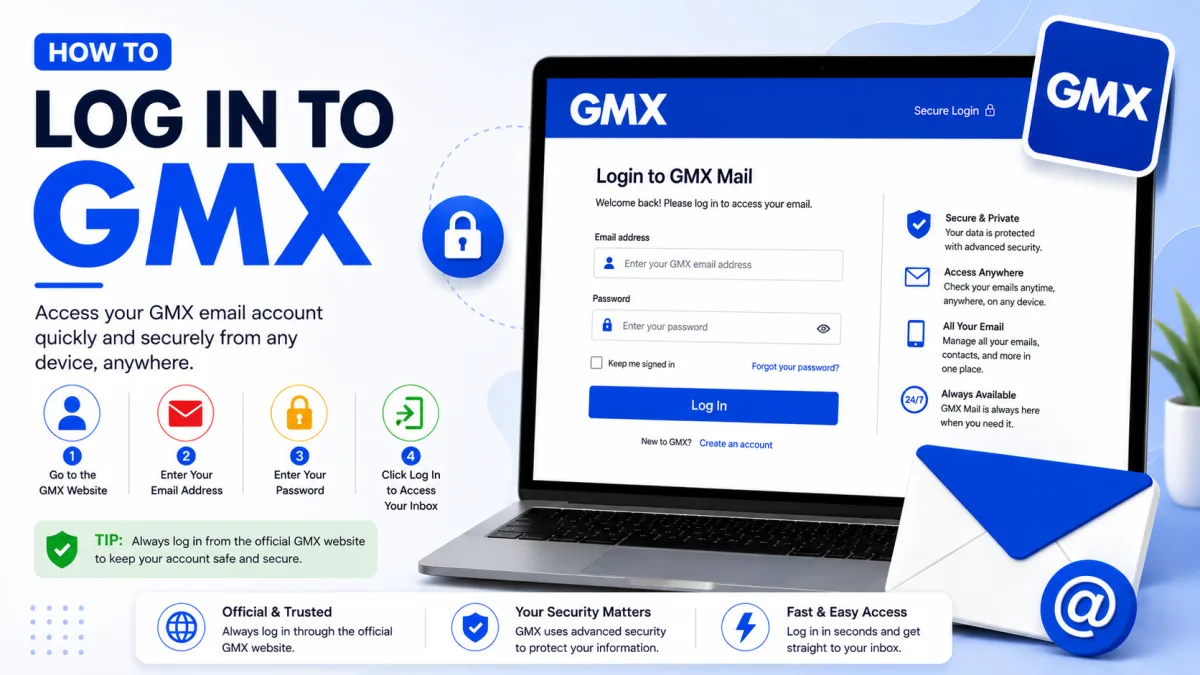
Signing in to GMX is straightforward — email address and password on the website. What is not obvious is why a password that works perfectly on gmx.com can be rejected by Outlook or Thunderbird, and that catches out a large share of GMX users. Both are covered below.
Signing in on a computer
Go to gmx.com — or gmx.net if that is where your address lives.
Enter your full email address.
Enter your password and sign in.
GMX shows advertising on the login page, including popups. That is normal for a free GMX account rather than a sign of anything wrong.
gmx.com or gmx.net?
They are the same service on different domains — gmx.net is the German-facing one, gmx.com the international. For signing in through the website it rarely matters which you visit. It matters a great deal in a mail program, because the two use different server hostnames, and using the wrong pair produces a failure that looks exactly like a wrong password.
Signing in on Android or iPhone
Two options:
The GMX Mail app, from Google Play or the App Store. Sign in with your address and password as normal. This is the simplest route and needs no additional setup.
Your phone's built-in mail app — but only after enabling IMAP access in your GMX settings first. Without that step it will fail no matter what you enter. See the next section.
Why your mail app fails when the website works
This is the single most common GMX problem, and it is not a password fault at all.
GMX switches POP3 and IMAP off by default. Until you turn them on, no external mail program can connect — not Outlook, not Thunderbird, not your phone's built-in app — regardless of how correct your credentials are.
To enable access, sign in through the GMX website, open your email settings, find the POP3 and IMAP section, and switch it on. Only then will a mail program authenticate. Our server settings guide covers the hostnames and ports you will need afterwards.
A second cause worth knowing: some older mail programs use a method called SMTP-after-POP to send mail, which does not require password authentication for sending. GMX no longer supports it on security grounds. If your program is old enough to rely on that, sending will fail even once IMAP is enabled — the answer is a current mail program rather than a different setting.
When your password is rejected
GMX publishes its own list of causes, and they are worth working through in order because the obvious ones really are the most common.
Caps Lock, and case
GMX passwords are case sensitive. Caps Lock is genuinely one of the most frequent causes — check it before anything else.
A typo you cannot see
GMX's own suggestion is a good one: type your password into a field where it displays in clear text — a search box, a note, anywhere it is visible — read it back, then copy it into the password field. That catches both typing errors and a keyboard producing something other than what you pressed.
A saved password that is now wrong
If you changed your password recently, your browser may still be filling in the old one, silently overwriting what you typed. Clearing the saved password for GMX resolves it. This is a particularly annoying one because the field looks correctly filled.
You genuinely have the wrong details
Try any other address or password you may have used. If nothing works, reset your password through GMX's password reset page.
When the error makes no sense
Here is GMX's most useful piece of advice, and it is easy to miss.
Some errors — temporary blocks in particular — cannot be displayed properly by a third-party mail program. What you see is a generic authentication failure that tells you nothing. GMX's guidance is to sign in directly through the website on a computer and look at what appears after you log in. The real message and its instructions show up there.
That single step turns an unexplained failure into a specific problem with a specific fix, and it is worth doing before changing any settings. A block or a security hold cannot be configured away, and altering settings that were correct only adds a second problem to the first.
If you cannot get in at all
Reset your password through GMX's reset page — the recovery route depends on the details on your account, so what you are offered may be a recovery email address, a phone number, or security information you set up when registering.
If a reset does not restore access, an account-level block may be in place rather than a credential problem. Signing in on the website is again the way to find out, since that is where GMX explains it. If the website shows nothing useful either, contacting GMX support directly is the remaining route.
A few things worth knowing
Ten addresses per account
GMX lets one mailbox use up to ten email addresses, including aliases. They share the same inbox and GMX password, and you can sign in using any address attached to the account. If you need a separate password or mailbox, you need a separate GMX account.
Two-factor authentication is available
GMX offers two-factor authentication on both gmx.com and gmx.net. Worth turning on. If it is enabled and you have lost the second factor, that alone will prevent sign-in even with the correct password.
GMX is not available everywhere
GMX only accepts accounts from a limited set of countries, and shows a rejection page to anyone attempting to register from elsewhere. If you are trying to create an account rather than access an existing one and cannot get past registration, this may be why rather than anything you have done wrong.
Keeping access
Keep your recovery details current. An old phone number or a recovery address you no longer control is the most common reason recovery fails when it is finally needed.
Use a password manager. Use a password manager for the password protecting the account. Because every alias shares that password, anyone who obtains it can access the entire mailbox.
Never read a verification code aloud to anyone. No legitimate support process needs it — anyone asking for one is asking for your account.
Checked against the source
Official sources
Enquiries
Frequently asked questions
Why does my mail app fail when the GMX website works?
POP3 and IMAP are switched off by default on GMX mailboxes. Until you enable them in settings, no mail program can connect regardless of the password.
Are gmx.com and gmx.net the same?
Same service, different domains. Both sign in through the GMX website, but they use different server hostnames for mail programs.
My mail program shows a confusing error. What should I do?
GMX's own advice: sign in through the website on a computer. Errors that a mail program cannot display properly, such as temporary blocks, appear there with instructions.
How many GMX addresses can I have?
One GMX mailbox can have up to ten email addresses. These addresses share the same inbox and GMX password.
Next delivery
Keep reading
GMX Troubleshooting
GMX Not Working? Common Fixes
Why GMX stops receiving mail, refuses to send, or keeps misfiling the same sender — including the rule ordering that makes marking spam do nothing.
7 min read
GMX Security
GMX Security: 2FA and App Passwords
Turn on GMX two-factor authentication, create application-specific passwords for mail programs, and understand why one password may not be enough.
5 min read
GMX Password Reset
How to Reset Your GMX Password
Reset a forgotten GMX password — check your browser first, understand why the recovery options may not appear, and what two-factor authentication requires.
5 min read
GMX Sign Up
How to Create a GMX Account
Create a free GMX address step by step — and what to do about the country restriction, the IP block, and the VPN mistake that gets new accounts suspended.
5 min read
GMX IMAP
GMX IMAP Settings
GMX's incoming server, port and encryption — plus the switch you must enable first, and why GMX may turn it off again on its own.
6 min read
GMX SMTP
GMX SMTP Settings
GMX's outgoing mail server, ports and encryption — plus why an older program can receive mail perfectly and fail to send a single message.
5 min read