How to Log In to Tuta
Sign in to Tuta on the web, desktop, mobile or Thunderbird. Fix rejected passwords, 2FA codes, approval holds and deleted-account errors.
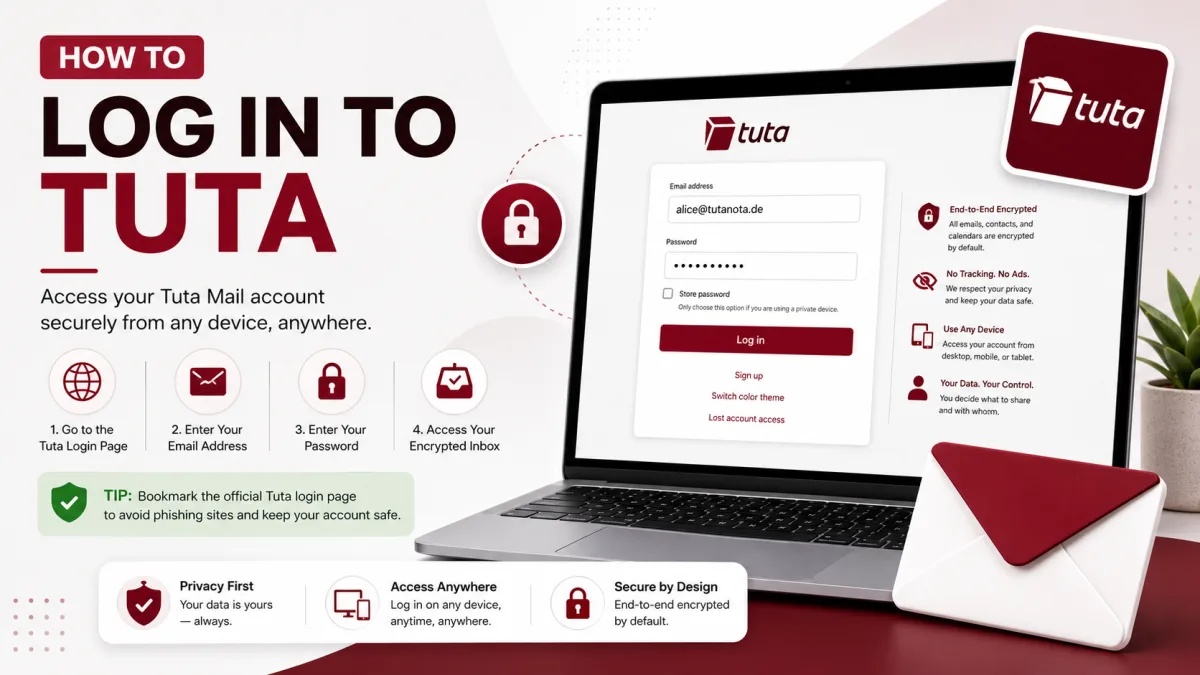
Logging in to Tuta normally requires your complete email address and password, plus a second factor if you enabled two-factor authentication. The important difference appears when access fails: Tuta cannot perform a conventional password reset or recover an encrypted mailbox for you.
This guide explains where to sign in, how Tuta’s supported second factors work, and what its common login errors mean.
Where to log in
Client | Where to sign in |
|---|---|
Web browser |
|
Windows, macOS and Linux | Tuta’s official desktop clients |
Android and iOS | Tuta’s official mobile apps |
Thunderbird | Official Tuta add-on that opens the Tuta web app inside Thunderbird |
Legacy web address |
|
Tuta does not provide conventional IMAP, POP3 or SMTP credentials. Adding the account through Outlook, Apple Mail or Thunderbird’s standard account wizard will not work.
The official Thunderbird add-on is a special case. It opens Tuta’s web application in a Thunderbird tab; it does not establish an IMAP or SMTP connection.
How to sign in
Open
app.tuta.comor launch an official Tuta application.Enter your complete Tuta email address, including its domain.
Enter your password.
If two-factor authentication is enabled, enter the code from your authenticator app or use your registered hardware security key.
If the device belongs to you, choose whether to store the login credentials.
The domain is part of the address. For example, an address ending in @tuta.com is different from one ending in @tutanota.com, even when the username is identical.
On a shared or public computer, do not store the password or leave the session open.
Two-factor authentication options
Tuta currently supports two types of second factor on every plan, including Free:
TOTP: A time-based six-digit code generated by an authenticator application.
U2F security key: A compatible hardware security key used through the web, desktop or mobile client.
Tuta’s mobile applications support compatible hardware keys through USB or NFC when the device and key support that connection.
Tuta does not offer SMS as a second-factor option.
You can add a second factor under the login settings inside your account. Tuta recommends security keys as the stronger option. It also notes that an authenticator application running on the same phone used to access the mailbox does not provide the same separation as a second physical device.
When you enable a second factor, Tuta displays your recovery code and asks you to save it. Confirm that the copy stored outside your mailbox matches the code currently shown under Settings → Login.
Tuta’s documentation does not establish that enabling 2FA always generates a different recovery code or automatically invalidates the code saved during signup. Do not discard an existing copy based on that assumption; compare it with the code currently displayed in your account.
For setup instructions, see Tuta Security: 2FA and Account Protection.
What common login errors mean
What you see | What to check |
|---|---|
Password rejected | Confirm the full email address, domain, Caps Lock state and keyboard layout. Check whether a password manager is filling an older password. |
Authenticator code rejected | Verify the date, time and time zone on the device. TOTP codes depend on accurate time. Some browsers or extensions can interfere with access to the system time zone. |
Hardware security key not detected | Check the browser or client, reconnect the key and verify that USB or NFC is available. Try another registered second factor if one exists. |
Recovery code rejected | Confirm that the code belongs to this account and was entered in the required format. If you can still sign in, compare your saved copy with the current code under Settings → Login. |
Account does not exist | Recheck the address and domain. A free account may also have been deleted after at least six months without a login. |
Account suspended or disabled | Tuta may have blocked it because of automated spam detection or a suspected violation of its terms. Read the complete message displayed below the login form. |
Mailbox opens but mail does not move | A recently created account may still be waiting for anti-abuse approval. |
Page does not load | Test another network, disable an interfering extension and check whether Tuta is experiencing a broader service problem. |
The message displayed beneath the login form is important. Record its exact wording before contacting Tuta because different messages indicate different problems.
If you forgot the password
Tuta cannot email a conventional reset link to another address. Password recovery depends on the recovery code generated for your account.
If two-factor authentication is not enabled
To replace a forgotten password, you need the recovery code.
Open the Tuta login page, select the lost-account option and follow the password-reset process using that code.
If two-factor authentication is enabled
To reset a forgotten password, you need:
The recovery code
A registered second factor
To remove or reset a lost second factor, you need:
The current password
The recovery code
If both the password and second factor are lost, the remaining recovery code alone is not enough to reset the account.
If you still know the password and can open the mailbox, you can view or update the recovery code under the account’s login settings after confirming the password.
For the complete process, see How to Reset Your Tuta Password.
If the recovery code does not work
First, check that:
The code belongs to the correct Tuta account.
No characters were omitted or changed when it was copied.
The recovery option selected matches what you are trying to reset.
A password manager or document did not save an incomplete version.
You are not entering a two-factor setup key instead of the recovery code.
If you can still sign in through another saved session, open Settings → Login and compare the stored copy with the recovery code currently shown there.
Avoid repeatedly changing credentials while troubleshooting, because that makes it harder to identify which saved password or code is current.
If the account was deleted for inactivity
Tuta may delete a free account after it has not been used for at least six months. When that happens, the login page should display a message indicating that the account was removed because of inactivity.
The mailbox contents are permanently deleted and cannot be restored.
Tuta does not release the deleted address for ordinary new registration. However, it documents a limited way to reuse the address with another paid Tuta account if you still have the correct credentials for the deleted account.
The general process is:
Create or use a different paid Tuta account.
Attempt to sign in to the deleted account with its correct credentials.
Select the help option shown with the inactivity message.
Enter the paid account as the target account.
Follow Tuta’s instructions for adding the old address to that account.
This process can recover use of the address, not the deleted messages, contacts or calendar data.
If the correct credentials are also lost, the address cannot be recovered through this process.
If the account was suspended
Tuta may disable an account because of automated spam detection or a suspected violation of its terms.
If you believe the suspension is a mistake, contact Tuta in English or German and provide:
The complete Tuta email address
The exact error message displayed below the login form
A brief explanation of what happened before the suspension
Any relevant information requested in the on-screen notice
Do not create multiple replacement free accounts while waiting. Tuta’s terms permit only one free account per natural person, and repeated registrations may trigger additional anti-abuse controls.
If you can sign in but cannot send or receive
A new Tuta account can open normally while sending and receiving remain disabled. This usually means that the account is waiting for anti-abuse approval rather than suffering from a login problem.
Approval can take up to 48 hours. During that period:
Check the notice displayed inside the mailbox.
Do not use the address for an important third-party registration.
Avoid creating another free account.
Wait for the stated period before treating it as a fault.
If the restriction remains after the period shown by Tuta, follow the support instructions displayed in the account.
See How to Create a Tuta Account for more information about new-account approval.
Using Tuta through Thunderbird
Tuta now publishes official Tuta Mail and Tuta Calendar add-ons for Thunderbird.
The add-ons create quick-access buttons and open Tuta’s web applications inside Thunderbird tabs. They do not download the mailbox through IMAP, and they do not turn Thunderbird into a normal SMTP client for Tuta.
Tuta says its dedicated desktop client remains the better choice for features such as:
Desktop notifications
Better search
Email import and export
Deeper desktop integration
Full offline functionality where supported by the plan
Do not enter guessed server names or ports into Thunderbird. Tuta does not publish standard incoming or outgoing mail-server credentials.
For details, see Tuta Server Settings: IMAP, SMTP and POP3.
Staying signed in safely
Tuta can store login credentials on a trusted device. Its applications also support PIN, pattern or biometric unlocking after credentials have been stored.
Use these features only on devices you control.
On a shared or public computer:
Do not select the option to store the password.
Log out instead of only closing the tab.
Remove stored credentials if they were saved accidentally.
Check active sessions after using an unfamiliar device.
End any session you do not recognize.
If a trusted phone or computer is lost, use another authenticated device to review and terminate its session as soon as possible.
For loading, synchronization or sending problems beyond the login itself, see Tuta Not Working? Common Fixes.
Checked against the source
Official sources
- Tuta — Support ↗
- Tuta — Pricing and plan comparison ↗
- Tuta — Encrypted email service now supports a secure password reset ↗
- Tuta — Tutanota now supports 2FA with TOTP and U2F ↗
- Tuta — U2F support on desktop clients ↗
- Tuta — U2F support on Android and iOS ↗
- Tuta — Anonymous email: create an address without a phone number ↗
Enquiries
Frequently asked questions
Where is the official Tuta login page?
The official web login is https://app.tuta.com. The older https://mail.tutanota.com address also opens the Tuta web application.
Can I log in to Tuta through Outlook or Apple Mail?
No. Tuta does not provide standard IMAP, POP3 or SMTP access, so conventional account setup in Outlook or Apple Mail will not work.
Can I use Tuta in Thunderbird?
Yes, through Tuta’s official Thunderbird add-on. The add-on opens the Tuta web application inside a Thunderbird tab; it is not an IMAP or SMTP connection.
Why is my Tuta authenticator code being rejected?
TOTP codes depend on accurate time. Check the date, time and time zone on the device, and temporarily test without browser extensions that could interfere with time-zone access.
Can Tuta support reset my password for me?
No. A forgotten password must be reset using the credentials required by Tuta’s recovery system. Without 2FA, that means the recovery code. With 2FA enabled, resetting the password requires both the recovery code and a registered second factor.
Why can I log in but not send or receive email?
A new account may be waiting for anti-abuse approval for up to 48 hours. Check the notice inside the mailbox before treating it as a login failure.
Next delivery
Keep reading
Tuta Security
Tuta Security: 2FA and App Passwords
Tuta has no app passwords — and doesn't need them. What actually protects your account, how to set up two-factor authentication, and the one thing to save first.
7 min read
Tuta Troubleshooting
Tuta Not Working? Common Fixes
What to check when Tuta will not load, send, receive, search or notify—and how to tell a local problem from a wider outage.
12 min read
Tuta Password Reset
How to Reset Your Tuta Password
Tuta cannot send a conventional reset email. Here is how to reset a forgotten password or lost second factor with the recovery code.
8 min read
Tuta Sign Up
How to Create a Tuta Account
Signing up takes a minute — but two things catch people out: the recovery code you can never retrieve again, and the approval hold that stops your new address working.
8 min read
Tuta Settings
Tuta Server Settings: IMAP, SMTP and POP3
Tuta publishes no IMAP, SMTP or POP3 settings — and never will. Here's the reasoning, what replaces them, and the DNS records that do matter.
7 min read
GMX Sign Up
How to Create a GMX Account
Create a free GMX address step by step — and what to do about the country restriction, the IP block, and the VPN mistake that gets new accounts suspended.
5 min read